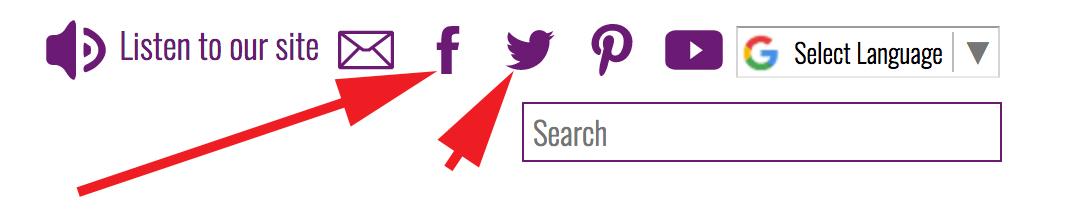
The icons highlighted below are found in the top right of the website and are very handy links to your different social media channels that you can set up.
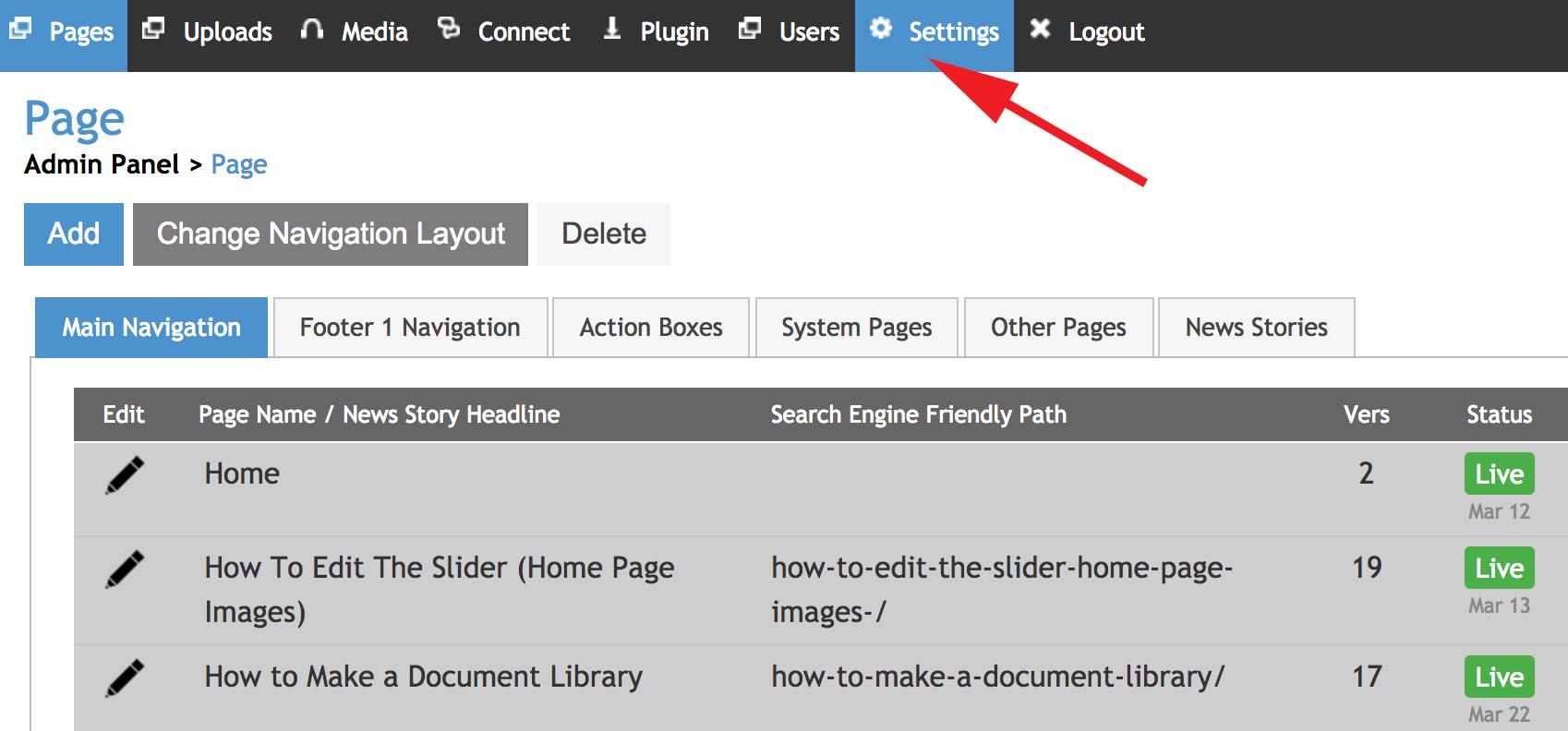
Step 1: Once you are logged in, select the 'Settings' tab (highlighted below).
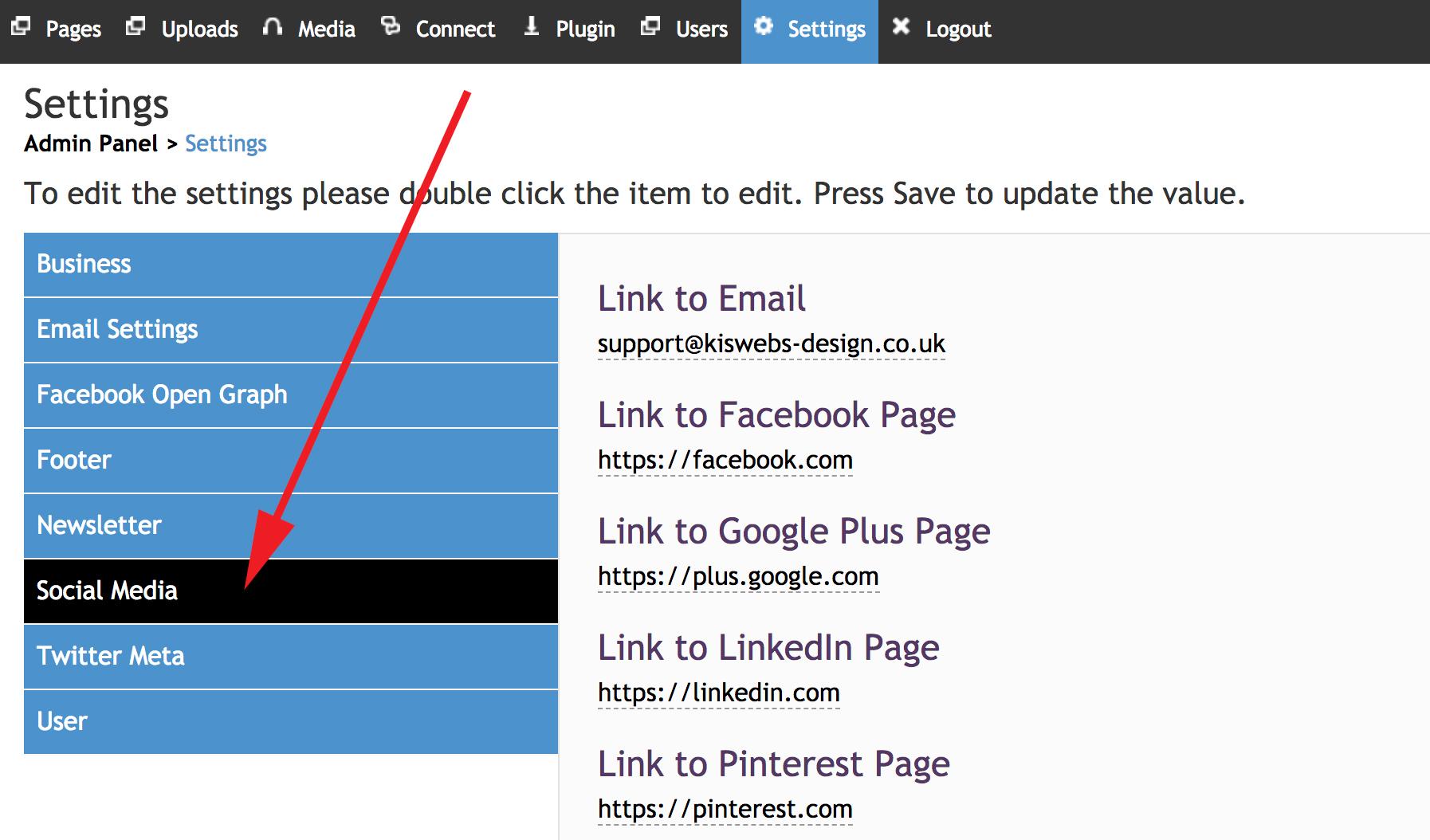
Step 2: Once in the settings area, select the 'Social Media' option highlighted below.
Step 3: To input your social media link (the URL of your selected social media channel) click within the text box and type or copy & paste your link.
After you have input your link, click on the 'Save' button highlighted below.